Get started faster
Start with a WPF project template and prepare initial tests using Siemens, Beckhoff or Simulation drivers.
PIZTHIE FRAMEWORK · VERSION 1.0.0
Pizthie is a WPF HMI framework for developing custom industrial applications in C#. It brings together Siemens and Beckhoff PLC communication, common pages and reusable components.
Windows · .NET 10 · C# / WPF · MVC architecture
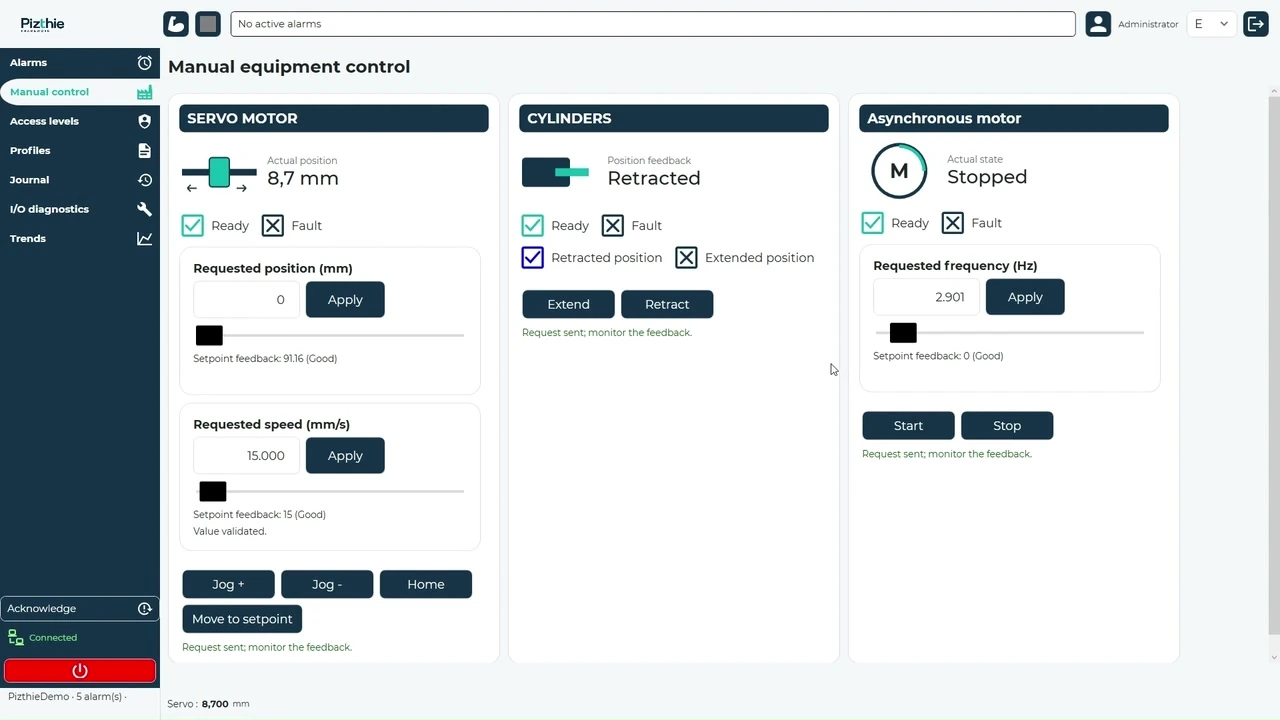 Explore the demo application
SIEMENS AND BECKHOFF PLC COMMUNICATION
01 — THE FRAMEWORK
A reusable structure to start, evolve and adapt your machine applications.
Start with a WPF project template and prepare initial tests using Siemens, Beckhoff or Simulation drivers.
Reuse shared components and services: navigation, user accounts, permissions and history.
Your business logic stays in your machine project. Adapt pages and equipment to your application.
02 — THE PRODUCT IN ACTION
From equipment control to the configurator: discover the framework on screen.
Product overview · 2 min 24Audio commentary in French
The screens show a demo application; your application is tailored to your machine.
03 — COMMON PAGES
Control, diagnostics, monitoring, settings and access: each page has a role in your application. Explore all eight common framework pages, configured for your machine.
Bring commands and states together for your configured machine equipment. Control axes, cylinders and motors through a common interface.
View active alarms, associated remedies and alarm history. Find events using date range, category and fault code filters.
Check the PLC connection and inspect variables, their values, reading quality and communication errors.
Review command, parameter and security events. Filter the log by date range and category, then export results to CSV according to your permissions.
Open and save process profile files. Access configured parameters and their values from a common page.
Adjust the reference resolution, menu dimensions and header and footer sizes. Apply a consistent layout across your application pages.
Define visible pages and permitted actions for each access level. Manage the associated password to tailor access to your team’s needs.
Visualize configured variable measurements and follow their evolution. Access acquisition information and chart capacity.
BEYOND THE COMMON PAGES
We develop components and modules you can integrate into your own applications and reuse across projects. Explore a selection of their capabilities below.
Integrate ISO program reading, editing and validation into your HMI. The graphical preview displays the program paths.
Let users browse folders and choose files directly within the application. Filter the available formats to match the programs and recipes used by your machine.
Display numbered checkboxes on an image of your fixture or part. Users select the locations to process and identify their status through colors.
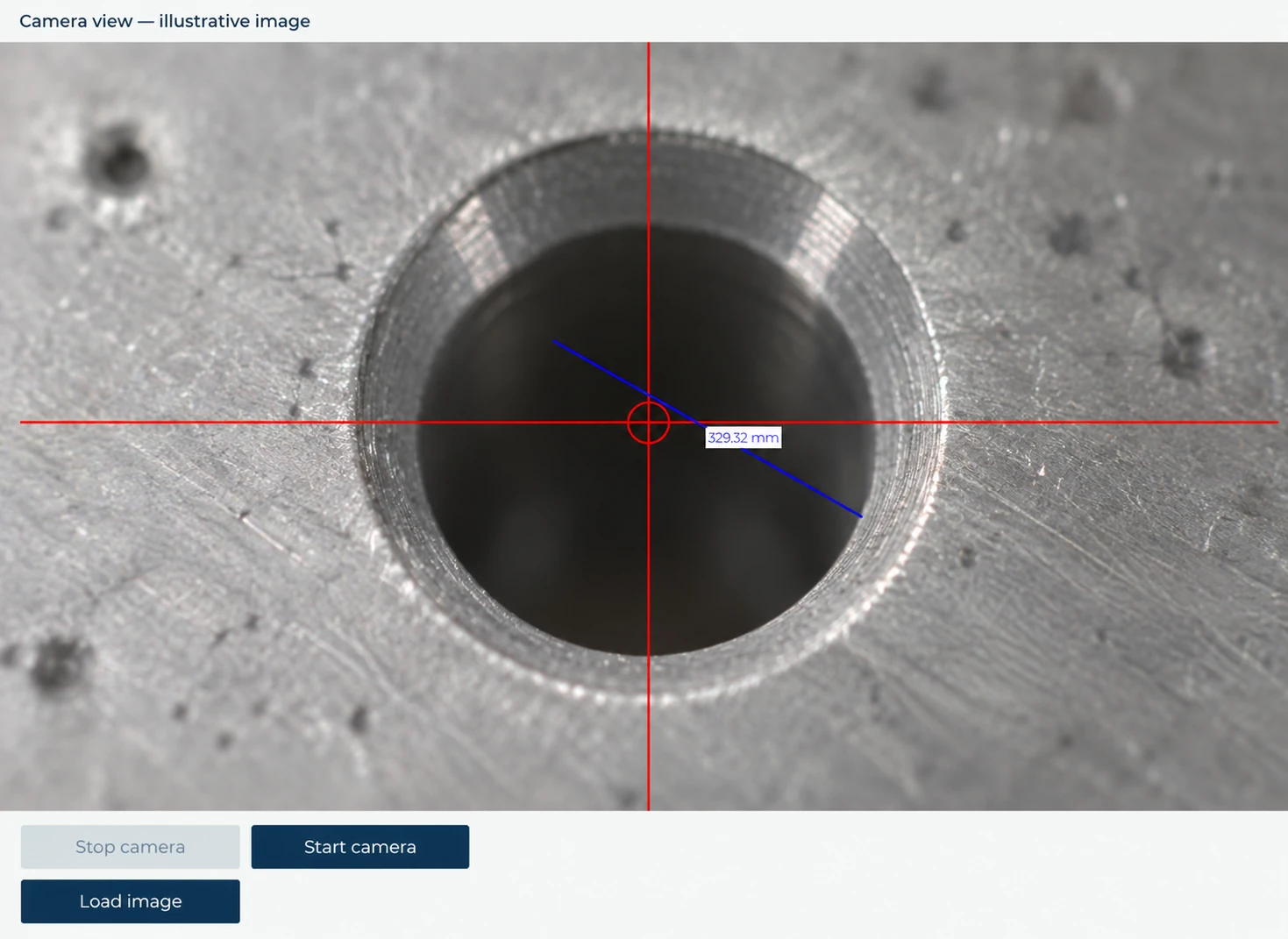
Embed a camera image, reticle and two-click measurement within your screen. The IDS module handles acquisition; calibration enables distances to be expressed in millimeters.
Extract relevant coordinates from a DXF drawing by selecting the layers to use. Display the extracted points in an XY view to visualize and select them before using them in your process.
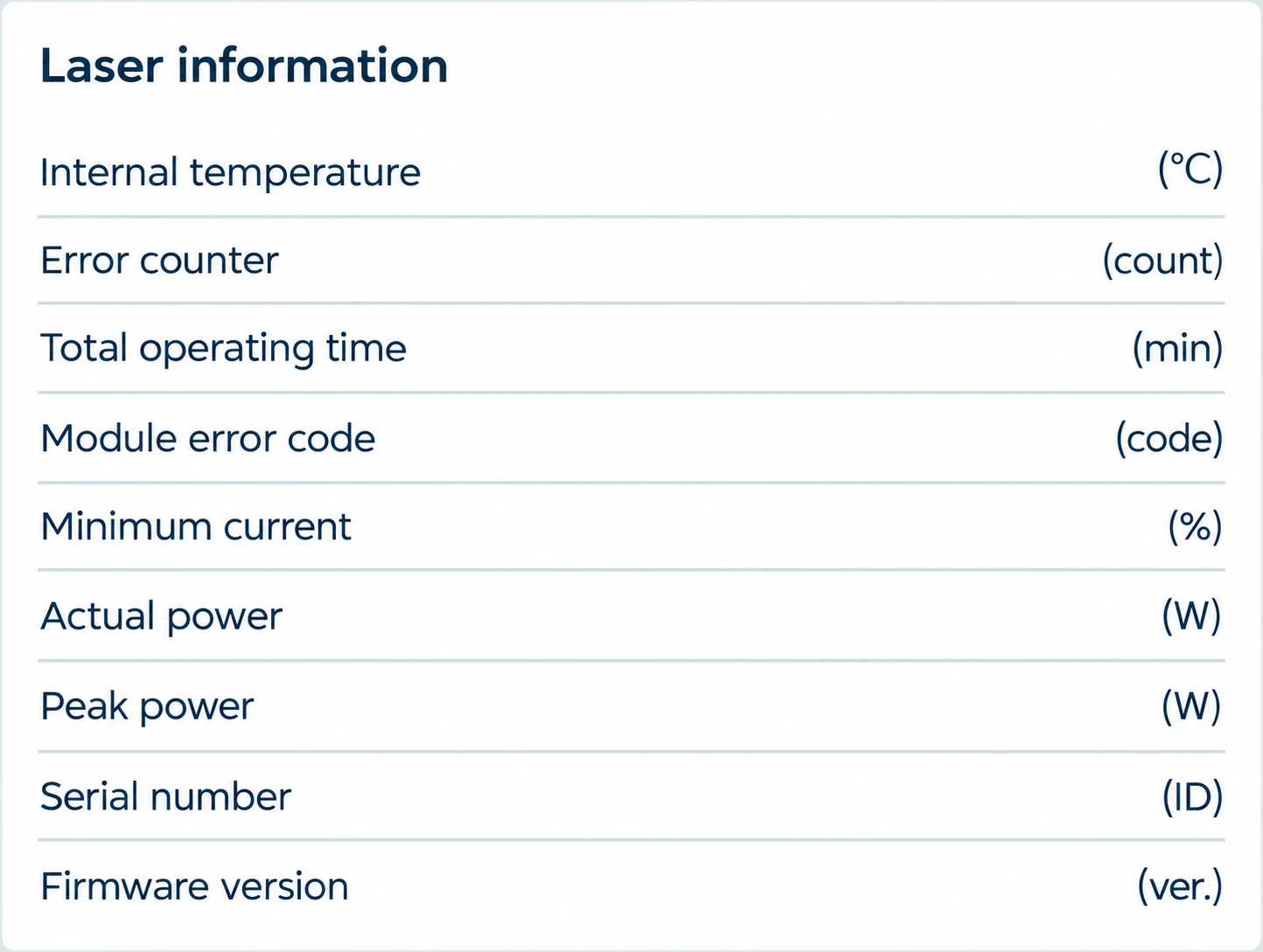
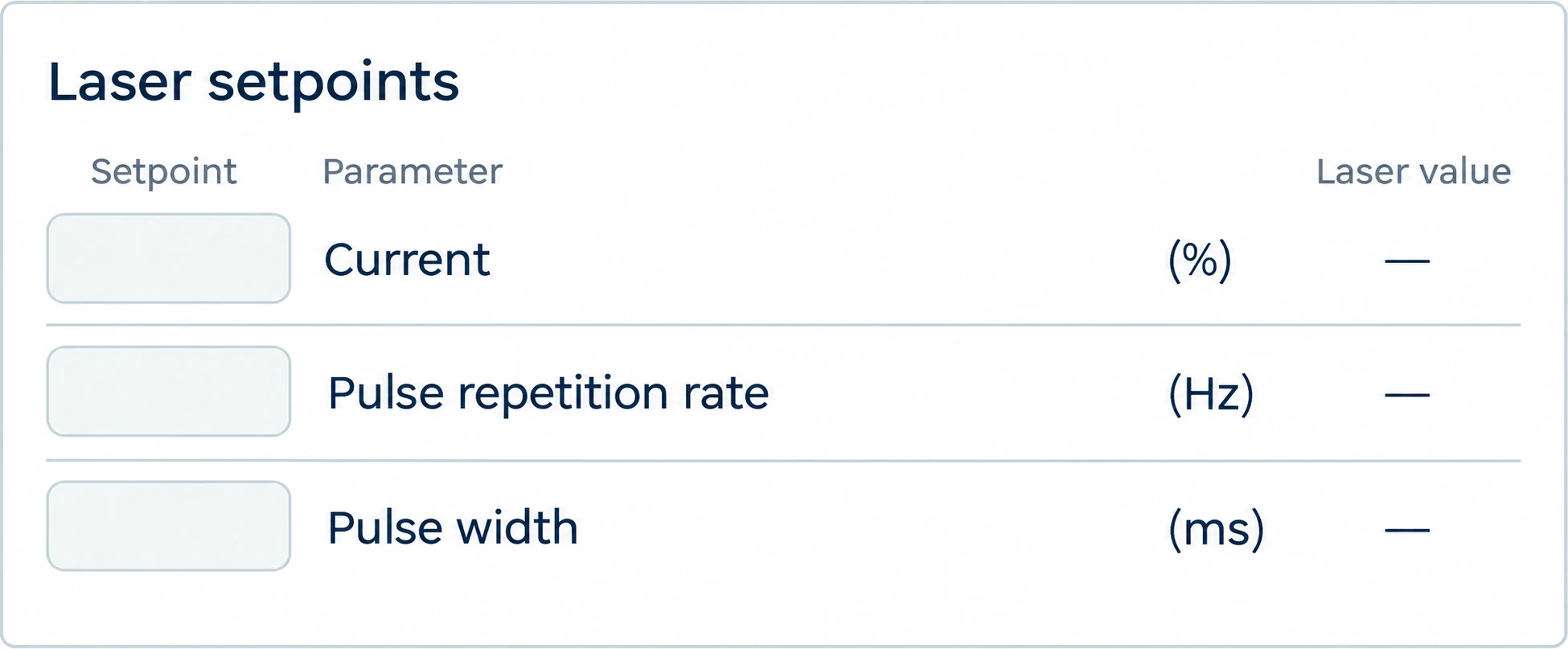
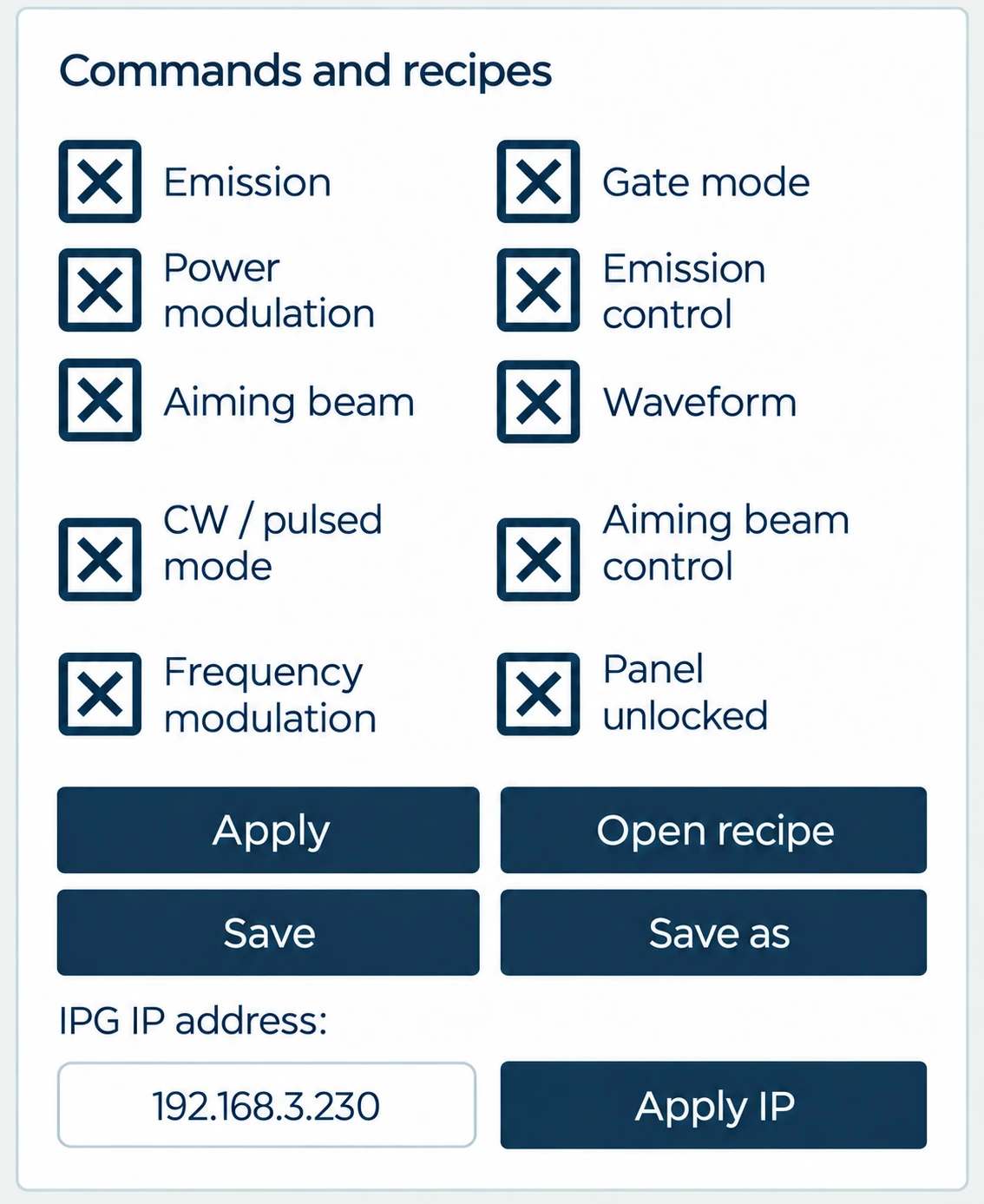
Bring laser setpoints, commands and information together in your application. Communication modules handle TCP exchanges and equipment monitoring.
This selection offers a glimpse of the framework: other components and modules are available. The documentation explains their purpose, capabilities and use.
Explore the ISO viewer, editor and file explorer. Select a screenshot to enlarge it.
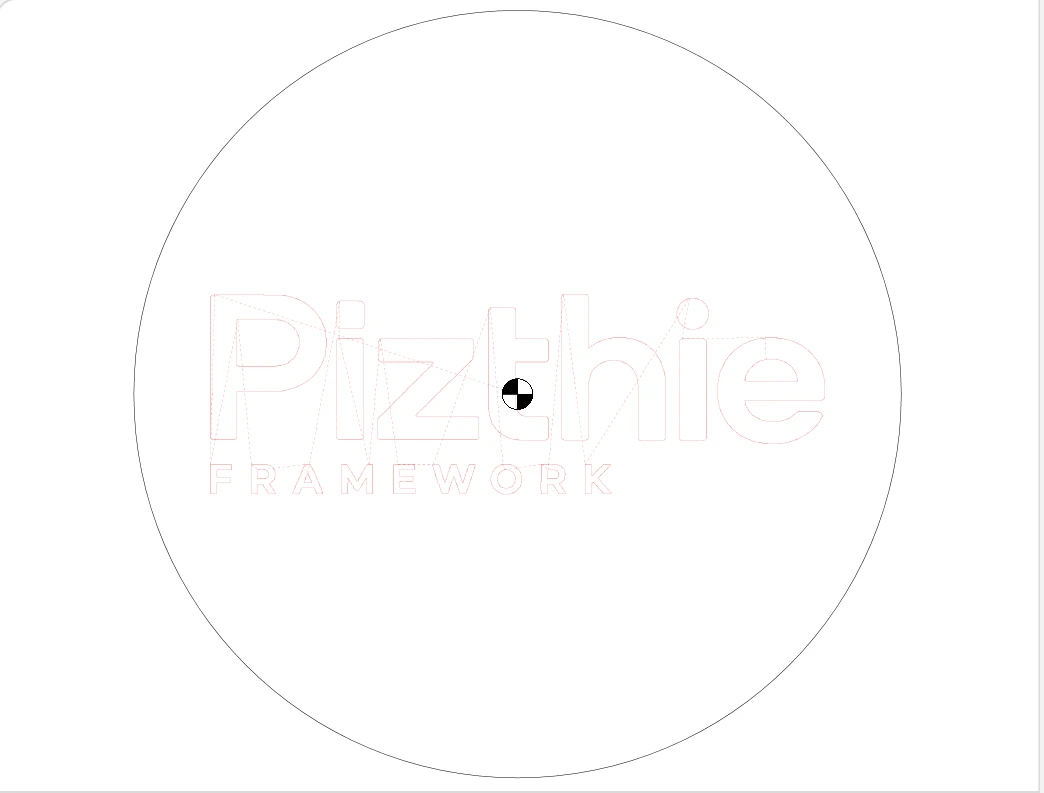 Enlarge
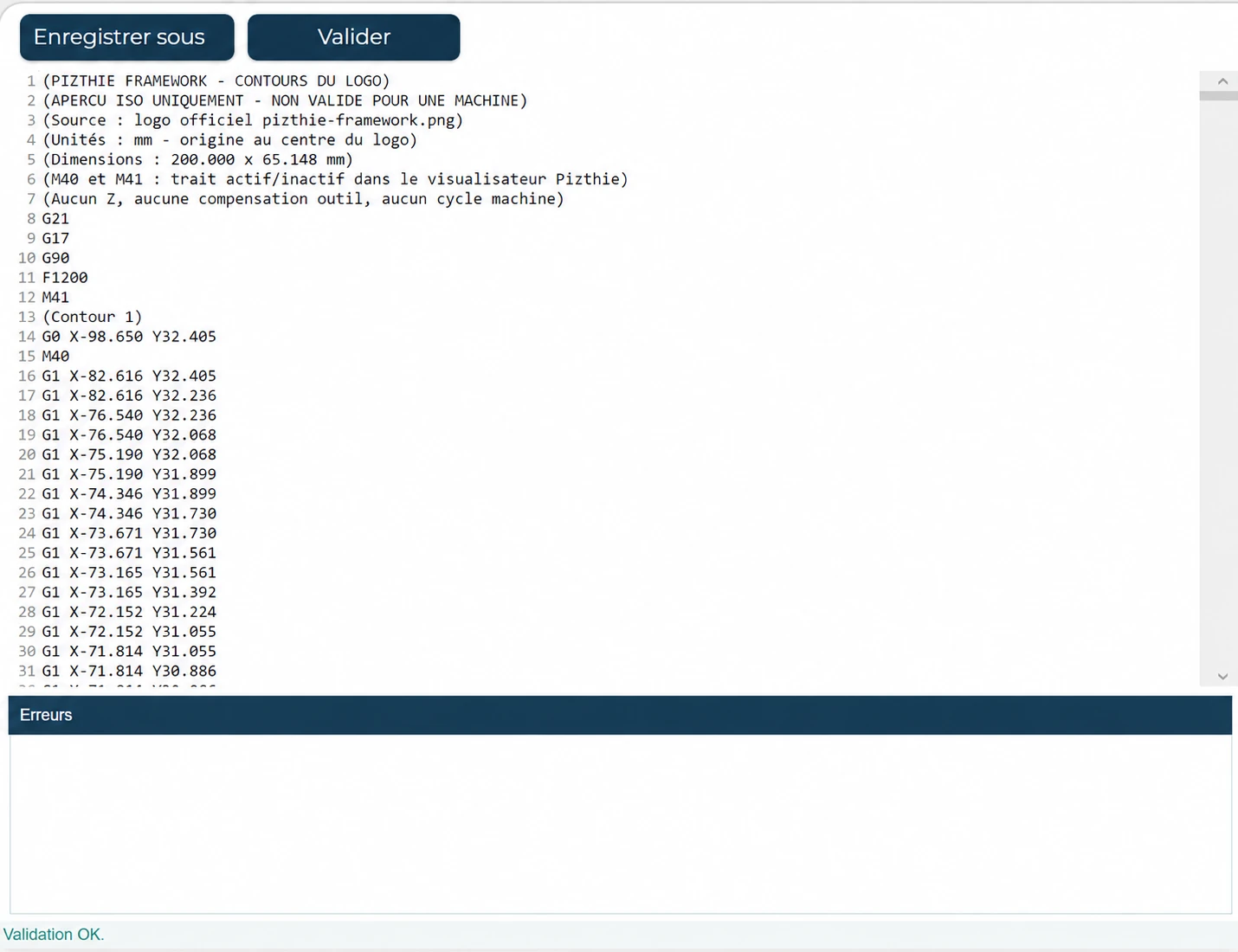 Enlarge
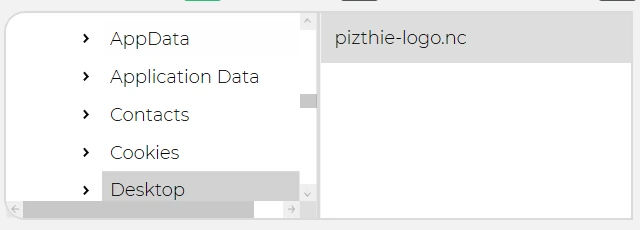 Enlarge
Views adapted into English and aligned with the framework colors.
Illustrative image added to the camera view to demonstrate the reticle and measurement.
 Enlarge
04 — PREPARE YOUR PROJECT
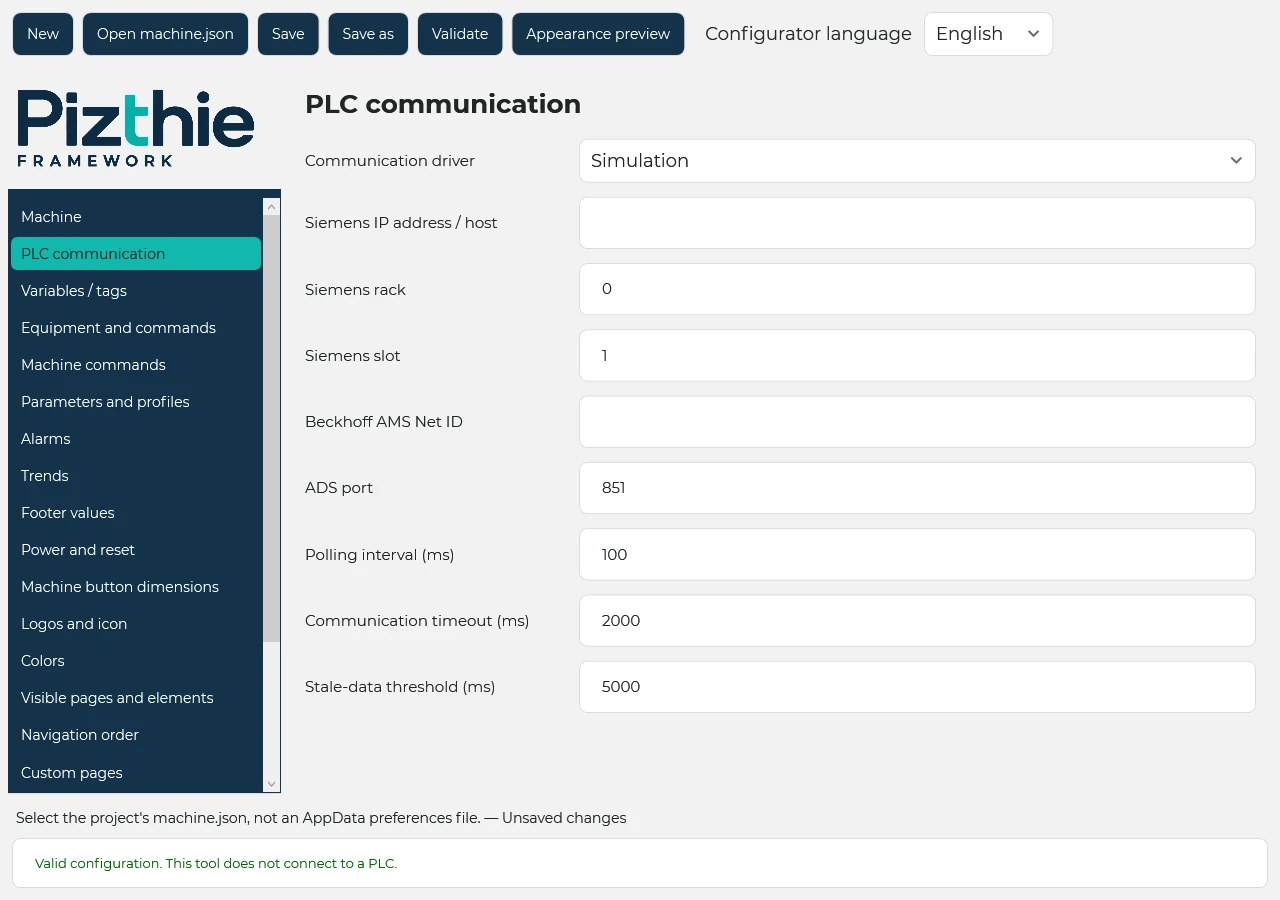
The configurator prepares the structure. You develop the pages and behavior specific to your process.
Development: Windows x64, .NET 10 SDK and a WPF-compatible development environment.
 Enlarge
Use the framework libraries to connect your interface to your equipment. Keep machine-specific logic in your project.
CUSTOMER TESTIMONIALS
A familiar foundation across our machines.
“We appreciate having the same structure across our projects. We can focus on what makes each machine different and reuse the work we have already done.”
The freedom to create an HMI that fits our needs.
“The common pages give us a clear starting point. We retain the flexibility to adapt screens and functions to our process, with a consistent presentation for users.”
A shared framework that supports teamwork.
“Shared components and structure help us find our way around applications. Discussions between developers are easier, and everyone can build on what already exists.”
05 — LICENSING AND SUPPORT
Tell us about your application, equipment and number of developers. Receive a proposal tailored to the scope of your project.
APPLICATION DEVELOPMENT ON REQUEST
We can develop your application using Pizthie Framework. Scope, deliverables and schedule are agreed with you and covered by a project-specific quote.
Discuss application developmentThe framework provides Siemens drivers using S7 / Sharp7 and Beckhoff drivers using ADS. Communication and equipment are defined according to your machine configuration.
Yes. The Simulation driver lets you prepare the interface and run initial tests without a PLC. Actual communication and machine behavior still need to be verified with the project equipment.
Yes. Develop your process-specific pages in C# / WPF and adapt colors, equipment and navigation. Common pages and reusable components provide the foundation for your application.
Yes. We offer custom HMI application development with Pizthie Framework, quoted according to your project. Scope, deliverables and schedule are agreed with you based on your machine and process.
WHAT ABOUT YOUR NEXT MACHINE?
A demonstration, a technical question or an application to develop: tell us what you need.